
When it comes to customer service management -- we’ve got you covered. The 16.0 release offers improved customer access and flexible tools to help you manage your district’s concerns with ease.
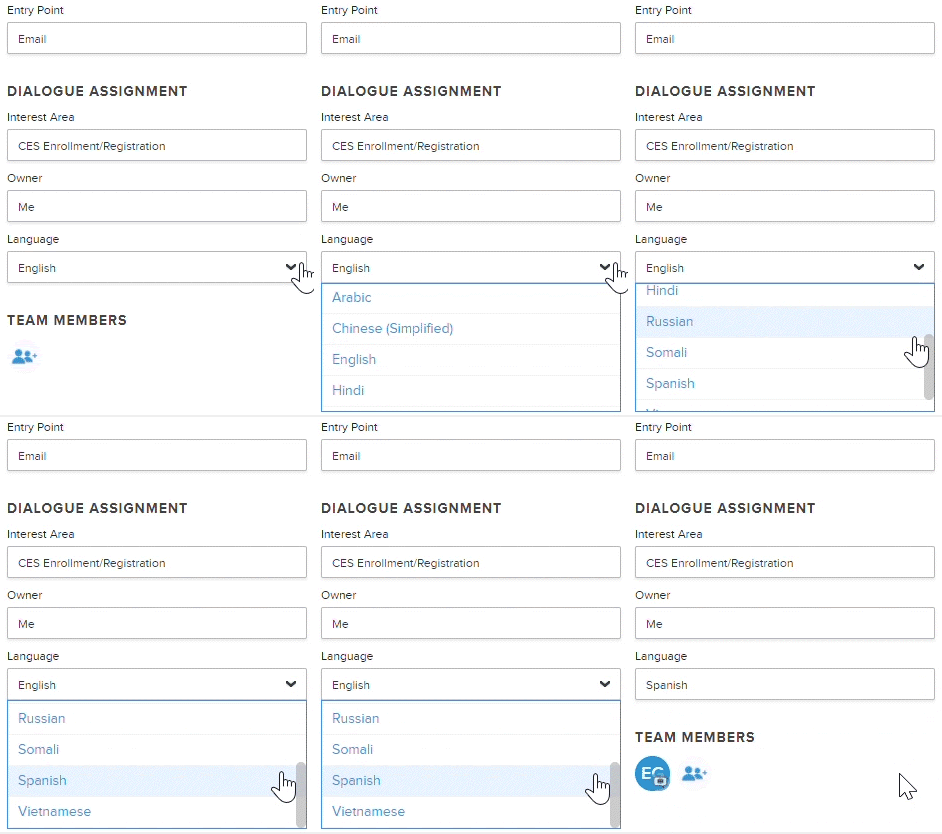 Translation Support for All Tickets
Auto-translation is now available for every ticket (including phone, text message, email, or online form). Simply select the language in ticket details to instantly translate the message.
Note: To take advantage of this feature, languages must be enabled in your Onflo (formerly Let's Talk!) account.
Flexible Ticket Aging Rules
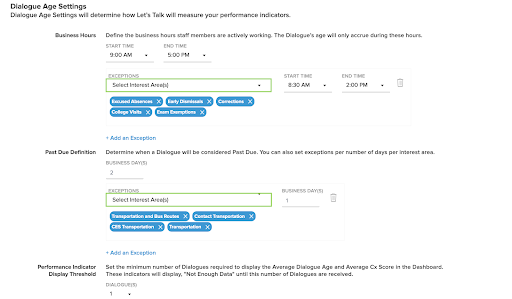
System Administrators can now set different ticket aging rules and working hours based on Interest Area or Category to meet the unique standards of each department.
Interest Area Phone Number Management
System Administrators can create custom settings for multiple phone lines, making it possible for each line to have its own set of incoming call greetings, voicemail messages and text auto-replies.
Enhanced Support Center
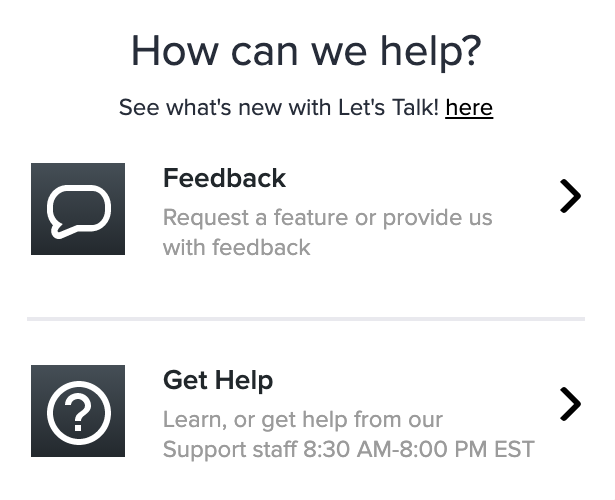
All users have the ability to submit a feature request, report an issue (including a screenshot), or provide general feedback from within their Onflo account.
Browser-based Notifications
Get notified about the latest changes in their Onflo account right from your browser (available for Google Chrome, Firefox, and Safari).
Reorganized Inbox
- Better understand your customers’ experiences by filtering for tickets containing Feedback Comments
- Tickets that have most recently received a reply will now appear at the top of the inbox, regardless of date of initial receipt.
New Dashboard Filters
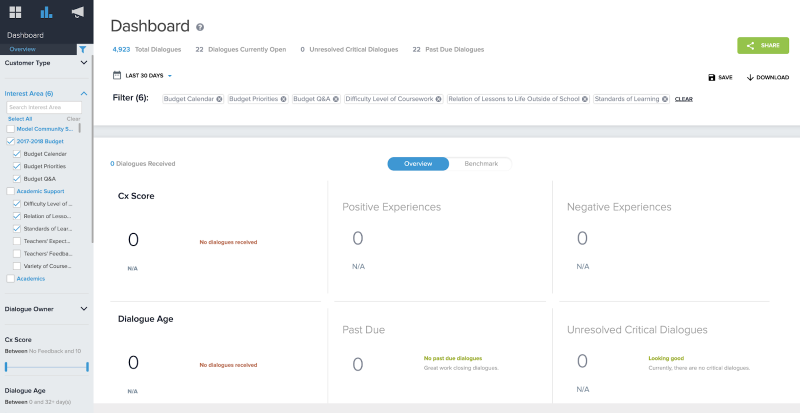
You can now filter your Onflo Dashboard data by Landing page or Tab.
Organization-wide Out of Office
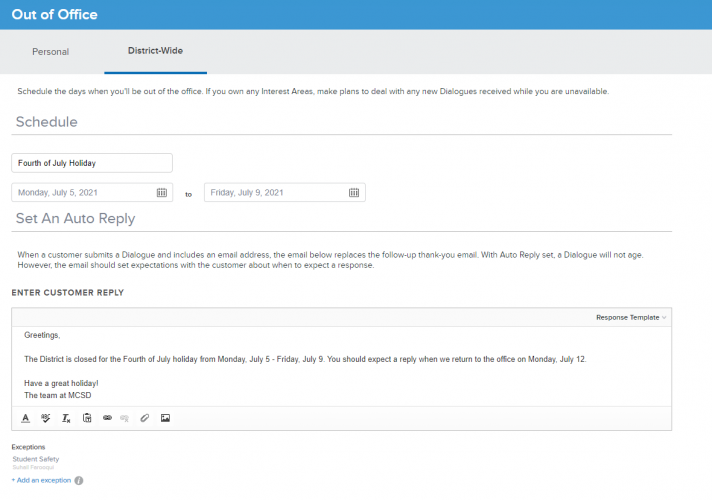
System Administrators can set up Out of Office for the entire district and use Auto Reply to let customers know when you’ll be back.
Additional Enhancements
- Searchable response templates.
- Email notifications for undelivered replies.
- A date closed field for your closed ticket inbox.
- The ability to reset your notifications to the default settings.
- Email domain suggestions to help you avoid (and correct) typos.
- Custom thank you messages for hidden customers.